Sending your CNIC to 668 is the quickest way to see how many SIMs are registered in your name. But sometimes you get no reply, an error, or a strange message. If your 668 not working problem is driving you mad, do not worry. In most cases the fix is simple. This guide covers the common causes and what to do about each one.
How 668 is supposed to work
Type your 13-digit CNIC number with no dashes or spaces and send it as an SMS to 668. Within a few seconds to a few minutes, you should get a reply showing your SIM count per operator. If that does not happen, go through the fixes below.
Cause 1: wrong CNIC format
This is the most common reason. The system expects exactly 13 digits.
- Wrong: 35202-1234567-1 (has dashes)
- Wrong: 35202 1234567 1 (has spaces)
- Right: 3520212345671
Also make sure there is no extra text like "CNIC" or a full stop at the end.
Cause 2: no SMS balance
Some operators charge a small standard SMS fee for 668. If you have zero balance or no SMS bundle, the message may fail silently. Recharge a small amount and try again.
Cause 3: network delay or busy time
During busy times, the reply can take several minutes. Wait at least 10–15 minutes before sending again. Sending many messages quickly can make the delay worse.
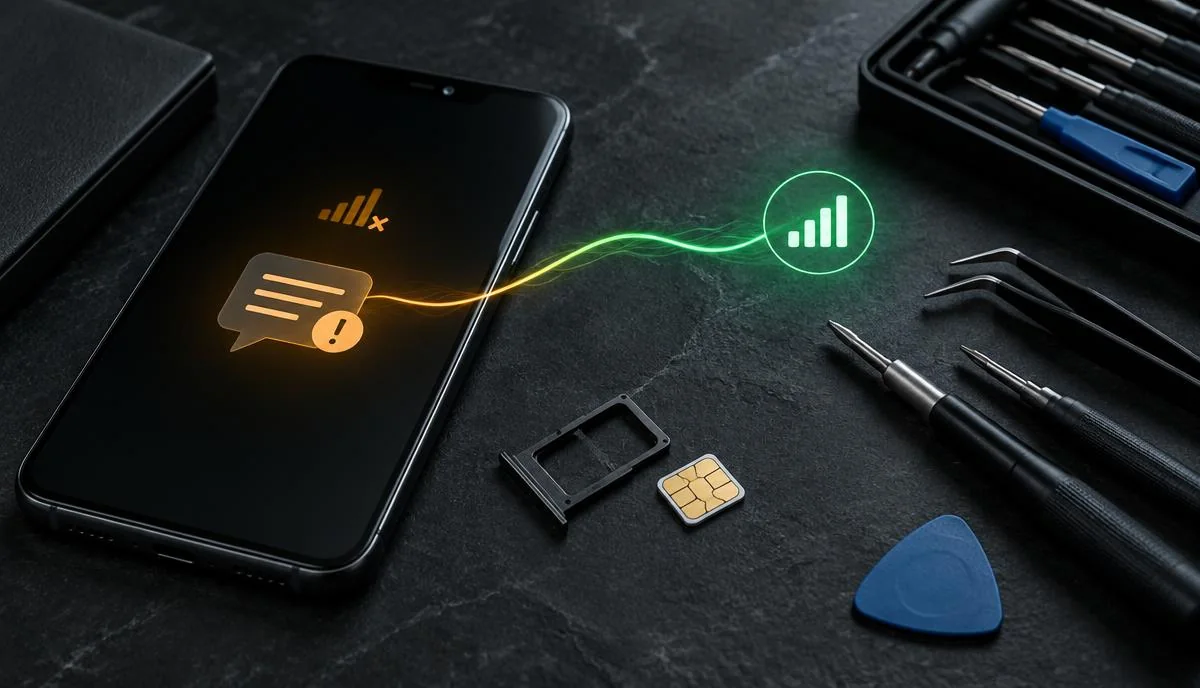
Cause 4: weak signal or SMS settings
- Move to a place with better signal.
- Restart your phone to refresh the network connection.
- On dual-SIM phones, make sure you send from the SIM with balance.
- Check that your phone's SMS centre number has not been changed (reset network settings if unsure).
Cause 5: short codes blocked on your SIM
Some SIMs, especially corporate or postpaid ones, have short codes blocked. Try sending from another SIM. It does not have to be your own SIM — the result depends on the CNIC you send, not the number you send from.
Quick fix checklist for 668 not working
| Problem | Fix |
|---|---|
| No reply | Check CNIC format, wait 15 minutes, check balance |
| "Invalid" message | Remove dashes and spaces, send only 13 digits |
| Message failed to send | Recharge, restart phone, move to better signal |
| Still nothing | Use cnic.sims.pk or another SIM |
Alternative: use cnic.sims.pk
If 668 still does not respond, use PTA's website cnic.sims.pk. Enter your CNIC and the captcha, and you will see the same result. Our PTA SIM Information System guide explains how. You can also follow our step-by-step guide on how to check SIMs on your CNIC.
Are you using 667 by mistake?
667 tells you the registered owner name and network of the SIM you send the message from — it does not count the SIMs on your CNIC. For a CNIC-based SIM count, send the 13 CNIC digits to 668. Read more in 667 vs 668: what is the difference?
Got a reply but the numbers look wrong?
If the count shows more SIMs than you use, you may have an old or unknown SIM on your CNIC. Visit your operator's franchise with your original CNIC and ask them to block it. See how to block an unknown SIM on your CNIC. If the count shows fewer SIMs, one of your SIMs may be in someone else's name and should be transferred.
668 still not working? What to do next
Call your operator's helpline (Jazz 111, Zong 310, Telenor 345, Ufone 333) and ask whether short code services are active on your SIM. If the problem is with PTA's service itself, you can contact PTA on 0800-55055.
Summary
Most cases of 668 not working come down to the CNIC format, low balance or network delay. Send only 13 digits, keep some balance, wait a few minutes and try again. If it still fails, use cnic.sims.pk or another SIM. For more quick answers, see our FAQs.
Remember: a correct 668 SMS contains only your 13-digit CNIC. If the 668 reply does not arrive after these fixes, use cnic.sims.pk to see the SIMs on CNIC records instead.