Many people in Pakistan use a SIM registered in a parent's, sibling's or friend's name. It works — until something goes wrong. If the SIM is misused, the registered owner is responsible. If the owner passes away or moves abroad, you may lose the number. That is why it is smart to learn how to transfer SIM ownership in Pakistan. The process is simple, and you keep the same number.
Why transfer SIM ownership?
- Legal responsibility: the CNIC holder is responsible for any use of the SIM.
- Bank and wallet accounts: many accounts require the SIM to be in your own name.
- SIM limits: the original owner may need space on their CNIC (limit is 8 SIMs — see how many SIMs on one CNIC).
- Peace of mind: you get full control to block, replace or port your number.
What you need to transfer SIM ownership in Pakistan
| Requirement | Details |
|---|---|
| Current owner | Must come in person with original, valid CNIC |
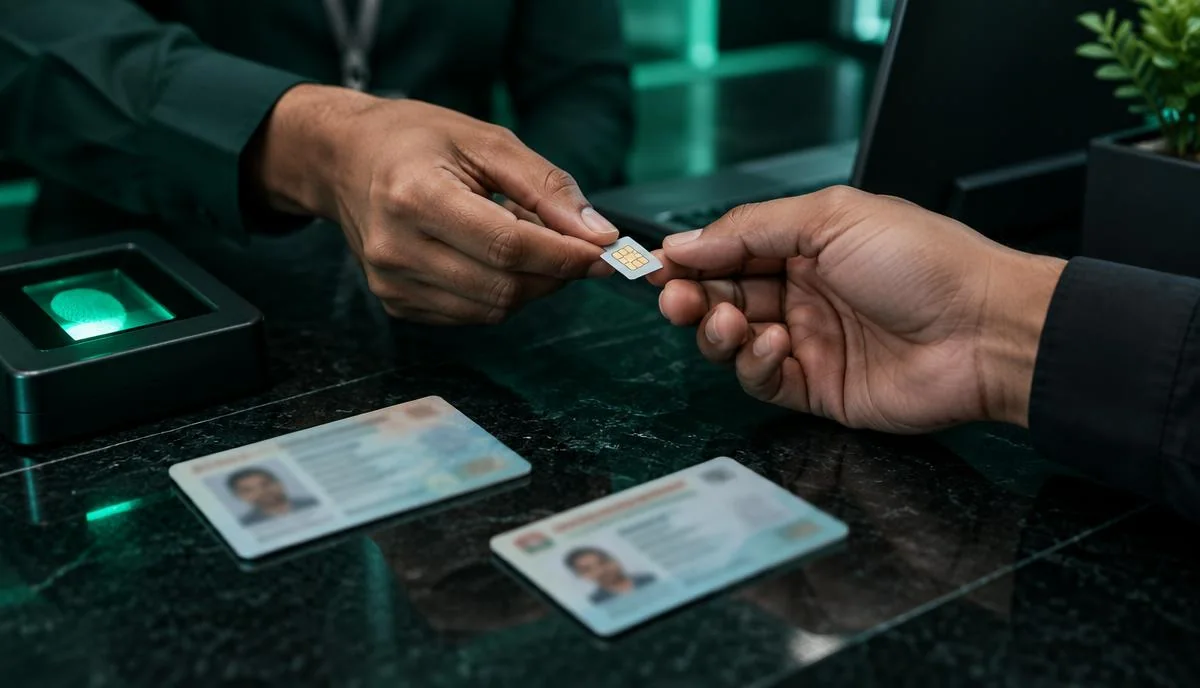
| New owner | Must come in person with original, valid CNIC |
| Biometric verification | Both people give fingerprints at the franchise |
| The SIM | Bring it if possible; staff may need the number |
| Space on new owner's CNIC | New owner must be under the SIM limit |
Step-by-step: how to transfer SIM ownership
- Check the new owner's SIM count. Send their CNIC to 668 to make sure they have space. See how to check SIMs on your CNIC.
- Visit an official franchise or customer service centre of the SIM's operator. Street retailers usually cannot do ownership transfers.
- Tell staff you want an ownership transfer for the number.
- Current owner verifies with fingerprint to give consent.
- New owner verifies with fingerprint to accept ownership.
- Pay any fee if the operator charges one (usually small or free; ask staff).
- Get confirmation. You will receive an SMS once the transfer is complete.
The ownership transfer is often done in minutes, but it can take up to 24 hours to show everywhere.
What if the current owner cannot come?
Both people's fingerprints are normally required. If the current owner cannot come:
- Living abroad: ask the operator about their process; options vary and may require the owner to visit when they return.
- Elderly or ill: some operators can arrange help — call the helpline to ask.
- Deceased owner: operators usually need a death certificate and family documents (such as a succession certificate or FRC). Call your operator for exact requirements.
Helplines: Jazz 111, Zong 310, Telenor 345, Ufone 333. See our guides for Jazz, Zong, Telenor and Ufone.
Common problems
Fingerprint does not match
Clean and dry your fingers, try different fingers and ask staff to retry. If it still fails, update fingerprints at NADRA. Read how to check SIM biometric verification status for more tips.
New owner has reached the SIM limit
They must remove one of their existing SIMs first.
Expired CNIC
Renew the CNIC with NADRA before visiting the franchise.
Will I lose my balance or number?
No. The number stays the same. Most operators keep your balance and packages, but some account-specific items (like postpaid plans or loans) may change. Ask the staff before completing the transfer.
Safety tips
- Only give fingerprints at official franchises.
- After the transfer, the old owner should check 668 to confirm the SIM is gone from their CNIC.
- The new owner should check 668 to confirm it now appears on their CNIC.
Summary
For a transfer of ownership in Pakistan, both the current and new owner visit an official franchise with original CNICs, complete biometric verification and receive a confirmation SMS. The number stays the same. Check 668 before and after to make sure everything is correct. For more quick answers, visit our FAQs.
In short, if you are wondering how to transfer SIM ownership in Pakistan, the SIM transfer process in Pakistan always happens at an operator franchise with both CNICs and fresh biometric verification — you cannot transfer a SIM to another CNIC online or by SMS.