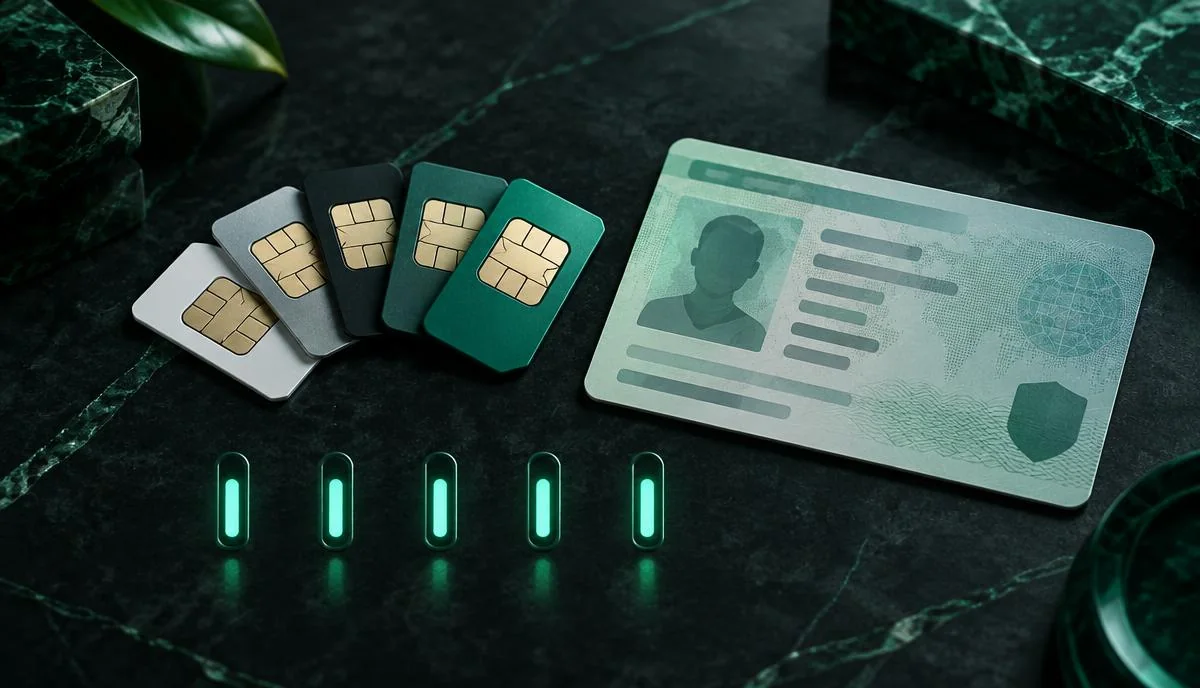
A common question in Pakistan is how many SIMs on one CNIC are allowed. Maybe you want a new SIM for work, or you got a message saying you have reached your limit. The answer is simple: one CNIC can have up to 8 SIMs — 5 for voice (calls and SMS) and 3 for data (internet devices). This guide explains the rule, how to check your current count, and how to free up space.
The PTA rule: how many SIMs on one CNIC
The Pakistan Telecommunication Authority (PTA) sets a limit across all operators combined, not per operator. That means if you have 3 Jazz SIMs and 2 Zong SIMs, you have already used your 5 voice SIMs. You can still get up to 3 data SIMs for devices like MiFi, routers or tablets.
| SIM type | Limit per CNIC | Used for |
|---|---|---|
| Voice SIMs | 5 | Calls, SMS and mobile data on phones |
| Data SIMs | 3 | Internet-only devices (MiFi, routers, tablets) |
| Total | 8 | Across all operators combined |
Limits can be updated by PTA from time to time, so it is good practice to confirm with your operator when buying a new SIM.
Why is there a limit?
The limit exists for security. In the past, criminals used SIMs registered on other people's CNICs. Limiting SIMs per person, along with fingerprint verification, makes it harder to misuse your identity and easier to trace illegal activity.
How to check how many SIMs are on your CNIC
Option 1: SMS to 668
Send your 13-digit CNIC number (no dashes) to 668. You get a reply with the number of SIMs per operator. Add them up to see your total.
Option 2: cnic.sims.pk
Open cnic.sims.pk, enter your CNIC and captcha, and press submit. The website shows the same information. Read our full cnic.sims.pk guide for tips.
For a quick walkthrough of both methods, see how to check SIMs on your CNIC.
What if you have reached the limit?
If your CNIC already has 5 voice SIMs, the franchise will not issue a new voice SIM. You need to remove one first:
- Check which numbers you still use.
- Visit the franchise of the operator whose SIM you want to remove.
- Bring your original CNIC and complete fingerprint verification.
- Ask them to deactivate or "disown" the SIM.
- Wait for the confirmation SMS, then check 668 again after a day or two.
Unknown SIMs on your CNIC
Sometimes people find they have more SIMs than they remember. This can happen if a relative used your CNIC, an old SIM was never closed, or — in worse cases — someone misused your fingerprint. Any SIM on your CNIC is legally your responsibility. If it is used for crime, the trail leads to you.
Block unknown SIMs as soon as possible. Our guide on how to block an unknown SIM on your CNIC explains the steps.
Can family members use SIMs on my CNIC?
It is common, but not a good idea. If a family member uses a SIM in your name, you are responsible for how it is used. It is safer to transfer the SIM to their own CNIC once they have one. See how to transfer SIM ownership.
Do data SIMs count towards the voice limit?
No. Data SIMs have their own limit of 3. But they still count in your total of 8 and still need biometric verification on your CNIC.
Tips to manage SIMs on your CNIC
- Check your count on 668 every few months.
- Close SIMs you no longer use instead of throwing them away.
- Never give your fingerprint at unofficial stalls.
- Keep a note of every number registered to you.
Summary
So, how many SIMs on one CNIC? Up to 8 in total: 5 voice and 3 data, across all operators. Use 668 or cnic.sims.pk to check your count, and remove or block any SIM you do not use or recognise. For short answers to related questions, visit our FAQs page.
To stay within the SIM limit, check your SIMs on CNIC records with 668 regularly and ask your operator to block any SIM you no longer use or do not recognise.